Tutorials
Learn the PlayCanvas Editor with step-by-step tutorials, or open a sample project to see how it is built.
Step-by-step guides that explain how something is built. Working projects to open in the Editor, read and fork.Tutorials44
 First Person MovementBuild a first-person character from scratch. Look around with the mouse, walk with forces on a rigid body and jump, in a small level made of boxes.
 Entity PickingCompare collision picking and framebuffer picking to select 3D entities when the user clicks the scene.
 Collision and TriggersUse collision shapes with rigidbodies for physical contacts and trigger volumes for overlap events without blocking motion.
 Real Time MultiplayerRun a Node.js and Socket.IO server on your own computer and keep players in sync across browsers, then put the server online, with no hosted multiplayer service.
 Anim State Graph BlendingBlend animation clips in the Anim State Graph so characters transition smoothly between idle, walk, punch, and other cycles.Animation BlendingLegacy Model and Animation tutorial; prefer Anim State Graph blending for smooth transitions between character cycles.
 Basic Mouse InputUse the Mouse API to read movement, button presses, and consistent screen coordinates across browsers for interactive controls.
 Basic Keyboard InputUse the Keyboard API to detect key presses and held keys for gameplay actions and simple interactions.
 Custom ShadersUse ShaderMaterial for dissolve and edge effects with custom shaders that run on both WebGL and WebGPU backends.
 User Interface - ButtonsBuild clickable buttons with Element and Button components on a Screen, wiring events for hover, press, and navigation states.
 Forces and ImpulsesApply forces, impulses, and torques to dynamic rigidbodies and tune damping and mass for responsive physics-driven motion.

 Programmatically Creating EntitiesInstantiate entities from scripts, parent them under the scene root, and attach components to build objects without the editor.
 Loading JSON DataLoad JSON from a bundled asset or over HTTP from a remote URL and parse it inside your PlayCanvas scripts at runtime.
 WebXR UI InteractionPoint WebXR laser pointers or gaze at screen-space UI and handle clicks across desktop, mobile, and headset browsers.
 Basic AudioUse sound and listener components so positional 3D audio follows moving sources relative to the listener entity.
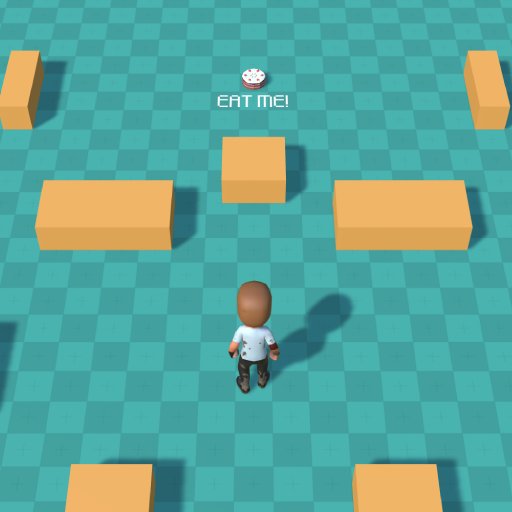 Crash Course - Make a GameFollow an end-to-end PlayCanvas game build with video and a playable demo covering physics, UI, and core workflow.
 Light CookiesApply texture or cubemap cookies to spot and omni lights to project masks, grids, and colored glass-style lighting effects.
 Using the Asset RegistryFind, reference, and stream assets from the registry at runtime instead of relying solely on editor preloads for every file.
 More CamerasScript camera components to change FOV, position, and active camera at runtime for zooming, cuts, and multi-camera setups.
 Custom Post EffectsAuthor shaders and a custom post effect that applies watercolor blur and paper grain over the final framebuffer.
 Light HalosBuild a billboarded glowing halo plane that fades when viewed edge-on to fake foggy air and bright lamp glare around lights.
 Controlling LightsToggle lights and adjust color and intensity from scripts for simple runtime lighting changes in your scene.
 Animated TexturesScroll UV offsets on materials each frame to fake flowing water, conveyors, and other moving surface effects.
 Audio EffectsChain Web Audio nodes in PlayCanvas to add reverb, filters, and other effects to sounds routed through the engine.
 Real-time Multiplayer with PhotonIntegrate Photon networking for authoritative movement, matchmaking, and room joins from a PlayCanvas HTML5 client.
 User Interface - LeaderboardPopulate a scrolling leaderboard from JSON data using Element text rows and scripted sorting for score displays.
 User Interface - Progress BarCreate a fillable progress bar with nested Elements and anchors that animate from empty to full over time.
 Touchscreen Joypad ControlsAdd a customizable on-screen twin-stick style joypad with PlayCanvas UI elements for mobile character control.
 User Interface - Stats CounterCombine plus and minus buttons with progress visuals to increment stats and show live numeric readouts in the UI.
 User Interface - Text InputOverlay an HTML text input on the canvas for OS-native typing, copy-paste, and IME support tied to PlayCanvas UI focus.
 Google H5 Ads Beta MonetizationIntegrate Google H5 Games interstitial and rewarded ads into a PlayCanvas title for mobile web monetization.
 Spine AnimationPlay Spine 4.3 skeletal animations in the Editor with the playcanvas-spine plugin, from binary and JSON exports, and control them from a script.
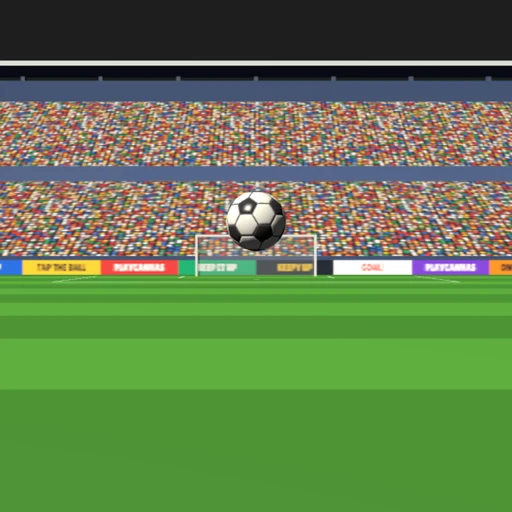 Making a Simple Game - Part 1: Setting Up the SceneStart building Keepy Up, a tap-to-play football game, in the PlayCanvas Editor. Fork the starter project, place the stadium and the ball, and set up the camera and light.
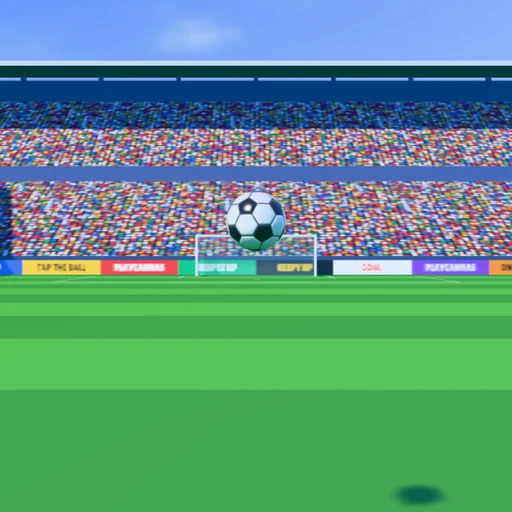 Making a Simple Game - Part 2: Lighting and MaterialsGive Keepy Up its finished look. Turn a sky image into image-based lighting, add shadows, set the camera's tone mapping and make the football's materials shine.
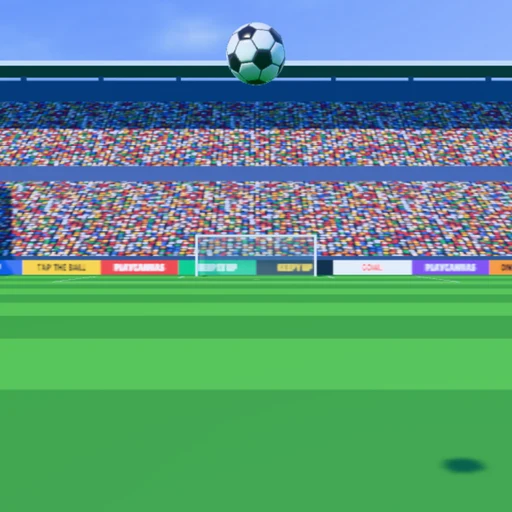 Making a Simple Game - Part 3: Making the Ball MoveWrite the first two scripts for Keepy Up. One moves the football under gravity and kicks it, and the other turns mouse clicks and touches into kicks.
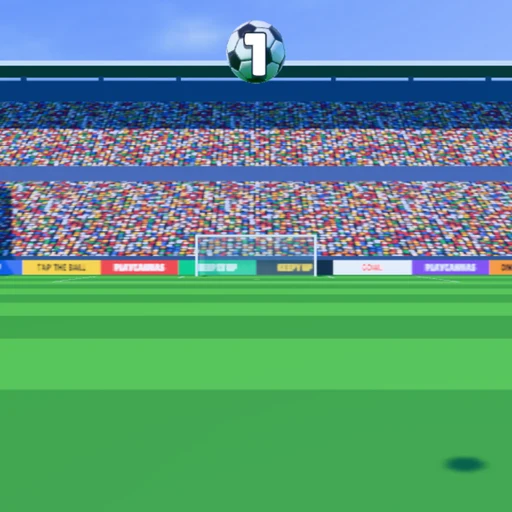 Making a Simple Game - Part 4: Game Flow and ScoringAdd a game script that keeps score using application events, and build the first piece of user interface for Keepy Up, a score drawn with a Screen and a Text Element.
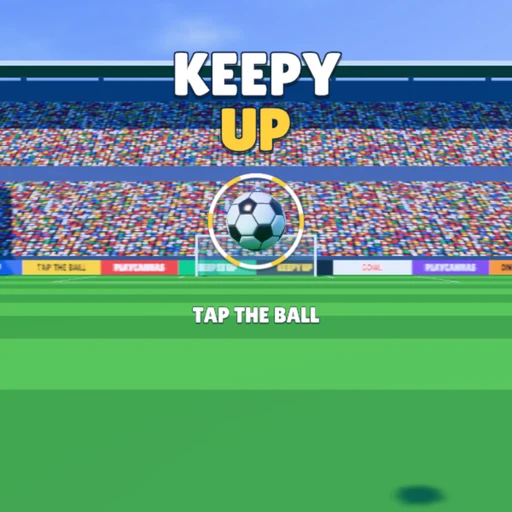 Making a Simple Game - Part 5: Menu and Game Over ScreensBuild the title screen and the game over screen for Keepy Up from Text, Image and Group elements, and show and hide them with two short scripts.
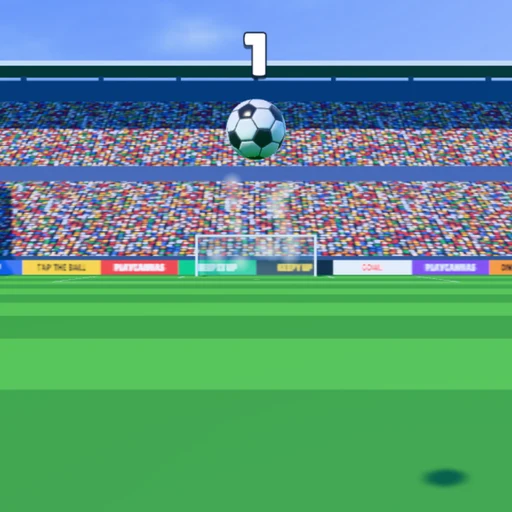 Making a Simple Game - Part 6: Sound, Particles and PublishingFinish Keepy Up with a kick sound, music, a game over sound and a burst of particles, all driven by one script, then publish the game to the web.
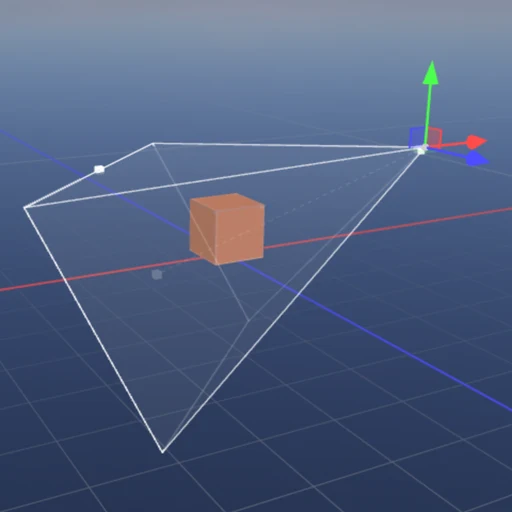 Basic CamerasAdd camera entities so your scene renders to the screen and learn the minimum editor setup for a visible view.
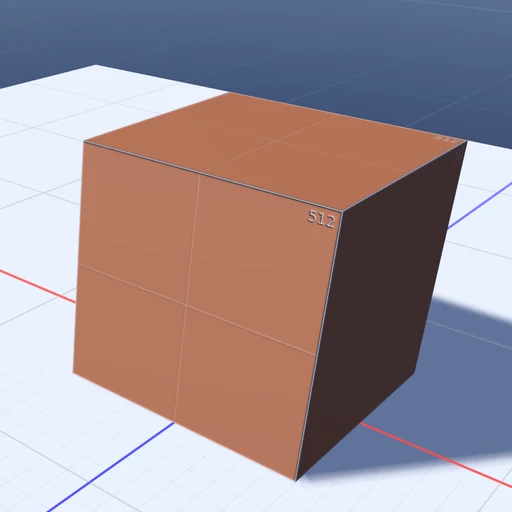 Basic MaterialsCreate materials, assign them to meshes, and tune color and physical shading on primitives step by step.
 Creating a Music VisualizerPipe Web Audio analyser frequency data into a PlayCanvas script to animate bars or graphs that react to playing music in real time.
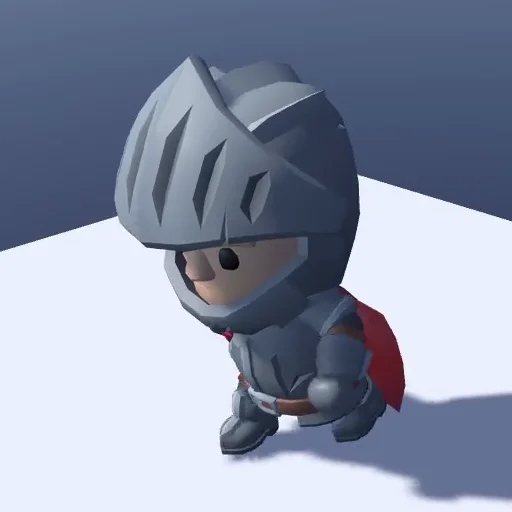 Importing your first Model and AnimationImport a free rigged character into the Editor, add it to the scene and play a looping run animation with the Anim component.
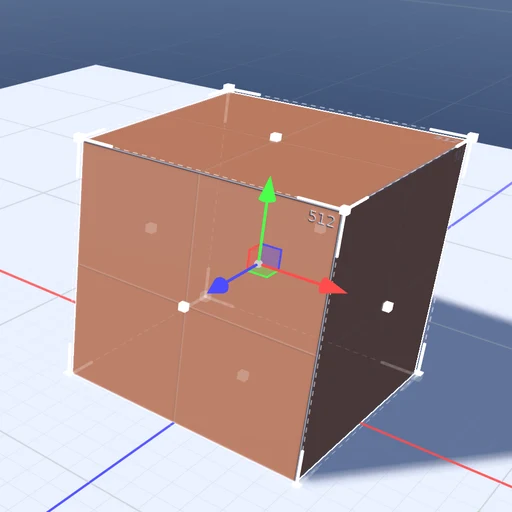 Manipulating EntitiesMove, rotate, and scale entities by editing local and world transforms and understanding how child hierarchies inherit motion.
Sample projects103
 Flappy Bird
 WebXR VR Lab
 Orange Room
 3D Gaussian Splat Statues
 WebXR Realistic Hands
 360 lookaround camera
 Video Textures
 Basic touch input
 Additive Loading Scenes
 Frames Per Sec (FPS) counter
 HTML/CSS UI
 Changing Scenes
 Camera following a path
 Orbit camera
 WebXR 360 Video
 Terrain Generation from Heightmap
 Vehicle Physics
 Animate entities with curves
 HTML/CSS - Live Updates
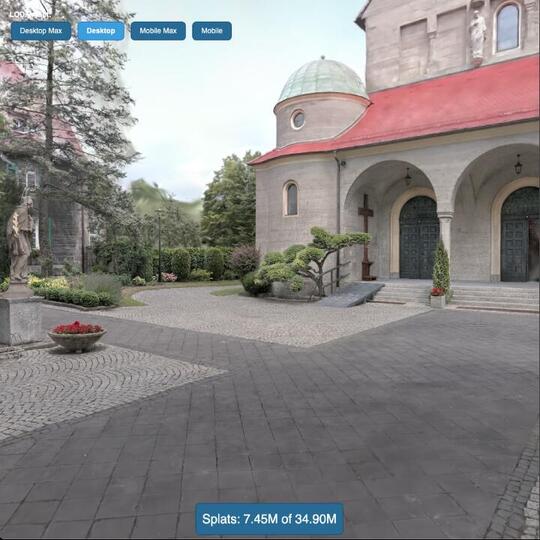 3D Gaussian Splat Streamed SOG
 Third Person Controller
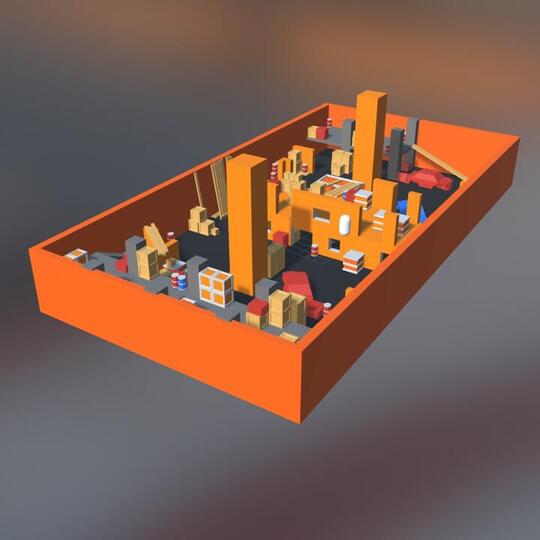 First Person Shooter Starter Kit
 Point and click movement
 Base64 Loading Screen Images
 Planet Earth
 Explosion Particle Effect
 WebXR Hello World
 Information hotspots
 WebXR 360 Image
 Warp a Sprite with GLSL
 WebXR: AR Image Tracking
 Procedural Levels
 Loading glTF GLBs
 Changing textures at runtime
 Pause/Play application
 Rotating Objects with Mouse
 Switching materials at runtime
 Capturing a screenshot
 Entity picking using physics
 Creating Rigid Bodies in Code
 Using events with scripts
 Compound Physics Shapes
 Smooth camera movement
 Fading objects in and out
 Tutorial: Plasma Shader Chunk
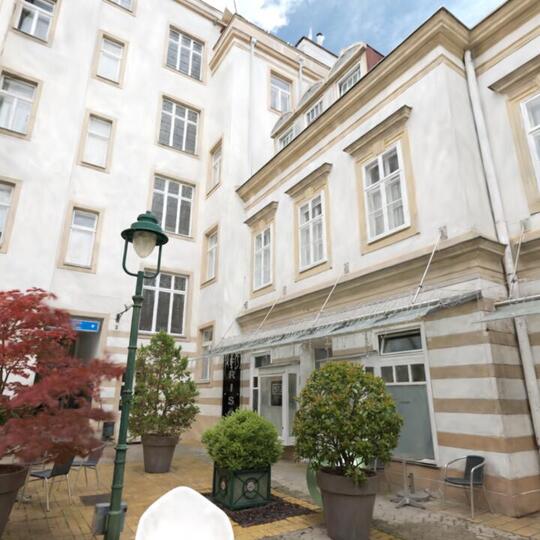 3D Gaussian Splat Physics and Relighting
 Dynamic UI Scroll View
 WebXR: Plane Detection
 Billboards
 Simple water surface
 WebXR AR: Hit Test
 Flaming fireball
 Simple shape raycasting
 Sound volume control using curve
 Entity picking without physics
 Loading an asset at runtime
 World to UI Screen space
 Planar Mirror Reflection
 Animation without State Graph
 Multitouch input
 Detecting a double tap
 Shockwave
 WebXR Tracked Controllers
 Camera model masking
 WebXR Hands
 Locking the mouse
 Load assets with a progress bar
 Multiple Viewport Rendering
 Detecting a long press
 Detecting a double click
 Space Rocks!
 WebXR Controller/Hand Models
 Loading Draco Compressed GLBs
 Physics with CCD
 Place an entity with physics
 Tutorial: Shop User Interface
 Resolution Scaling
 World space UI rendering on top
 WebXR AR: DOM Overlay
 VHS/CRT Post Effect
 Render 3D World to UI
 Static Batching
 Timers
 Rainbow Trail with Mesh API
 Loading Circle UI
 Tutorial: Layout Groups
 Switch Full Scene
 Load multiple assets at runtime
 Stencil Buffer - 3D Magic Card
 Tutorial: Normal Mapped Text
 Multiple Camera Layers
 Pan Camera to Target
 Vignette Aberration
 Mobile UI Safe Areas
 Physics raycasting by tag
 Create QR Code at runtime
 Place entity without physics
 Tic Tac Toe
 Procedural Gradient Texture
 WebXR AR Raycasting Shapes
 Raycast with Camera Viewports
 3D Gaussian Splat Annotations
 Right to left language support