Start building
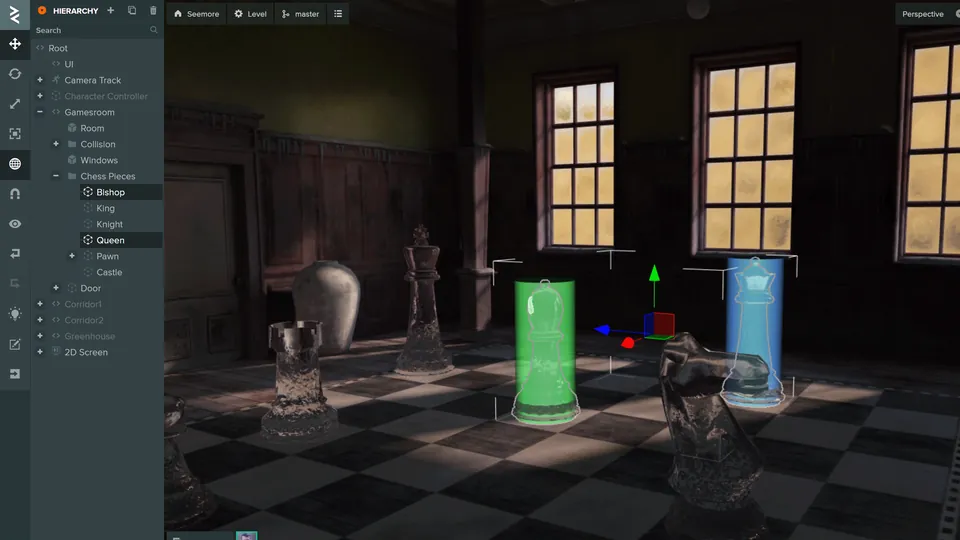
PlayCanvas Editor
Build visually
Assemble scenes, add scripts and publish from a collaborative editor that runs in your browser. There is nothing to install.
npm create playcanvas@latestcreate-playcanvas
Build with code
Scaffold a Vite and TypeScript project for the Engine, React or Web Components from one of 12 runnable starters.
Or set up by hand: Engine · React · Web Components

SuperSplat
Publish Gaussian splats
Clean up a splat capture in your browser, publish it to superspl.at and share it with anyone, on any device.
Explore the platform
From the engine at its core to the tools built on it, every product has its own guide.
Engine
The open-source engine every other product is built on, rendering with WebGL2 or WebGPU. Use it from npm or a CDN.
Editor
A browser-based, collaborative editor for building scenes, managing assets and publishing apps.
React
Build scenes declaratively from React components and hooks with @playcanvas/react.
Web Components
Build scenes in plain HTML with <pc-*> custom elements. No build step required.
SuperSplat
Clean up, publish and share 3D Gaussian splats, then curate them in Studio and embed them anywhere.
SplatTransform
A CLI and library that converts, filters and merges splat files and generates streamed LODs.
Core concepts
These topics apply however you build: in the Editor or with the Engine, React or Web Components.
Learn by example
Run live examples, read their source and adapt them to your own project.
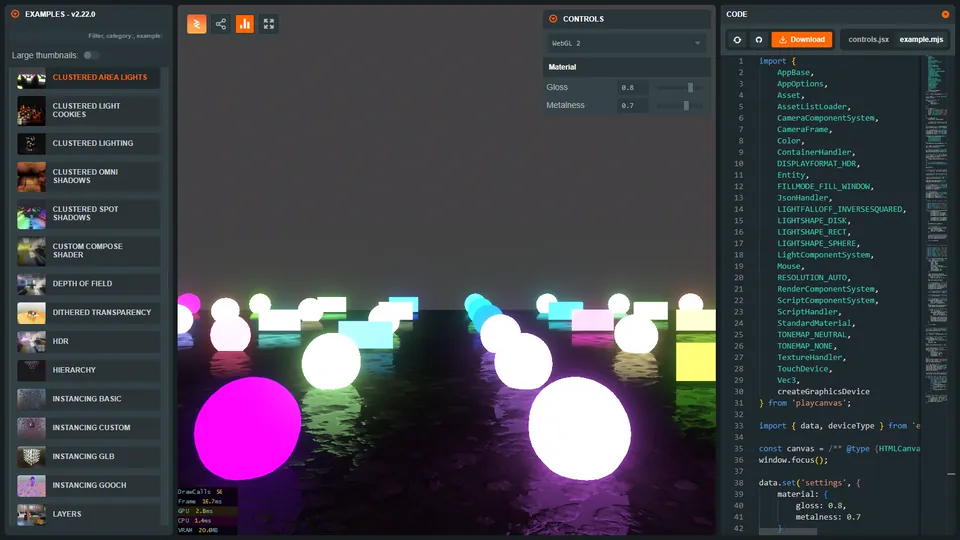 Engine ExamplesHundreds of live examples with full source, from rendering and physics to splats and XR.
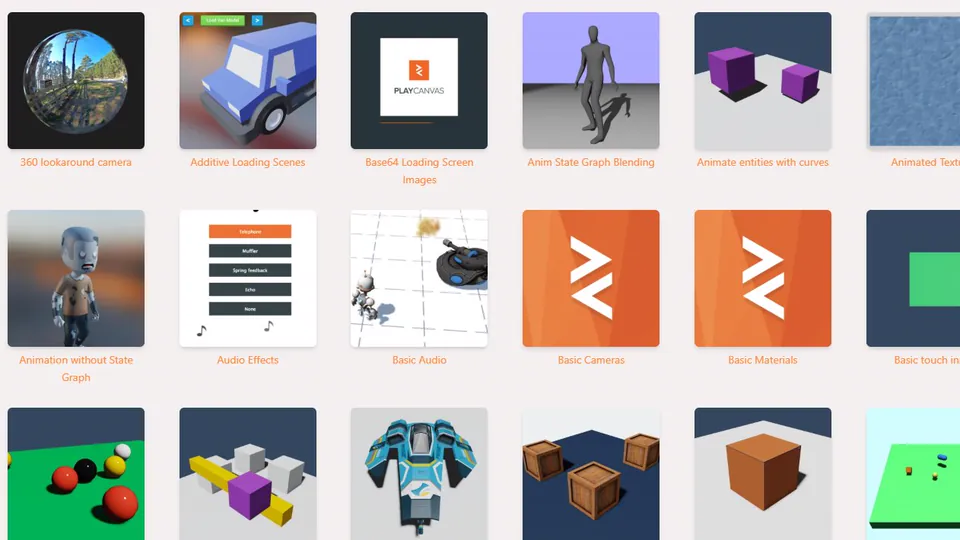 Editor TutorialsStep-by-step guides to building games and interactive apps in the Editor.
 React ExamplesModel viewers, physics, motion and text, built with @playcanvas/react.
 Web Components ExamplesLive HTML pages to explore, from a first scene to complete showcases.
Build with AI
Give your coding agent PlayCanvas know-how. Skills, the Editor MCP server and agent-ready docs help Claude Code, Codex, Cursor and other agents build and verify PlayCanvas apps.
npx skills add playcanvas/skills- PlayCanvas SkillsWorkflows for building and verifying Engine, React and Web Components apps.
- Editor MCP ServerConnect an agent to the Editor to modify and verify your project.
- Developing with AISet up a coding agent on an Engine project and check its changes.
- llms.txtIndexes that point agents to a Markdown version of every page.
Join the community
Get help, share what you make and keep up with what is new.