Assets Panel
The Assets Panel manages all of the Assets that are available in your project. From here, you can create, upload, delete, inspect and edit any Asset.
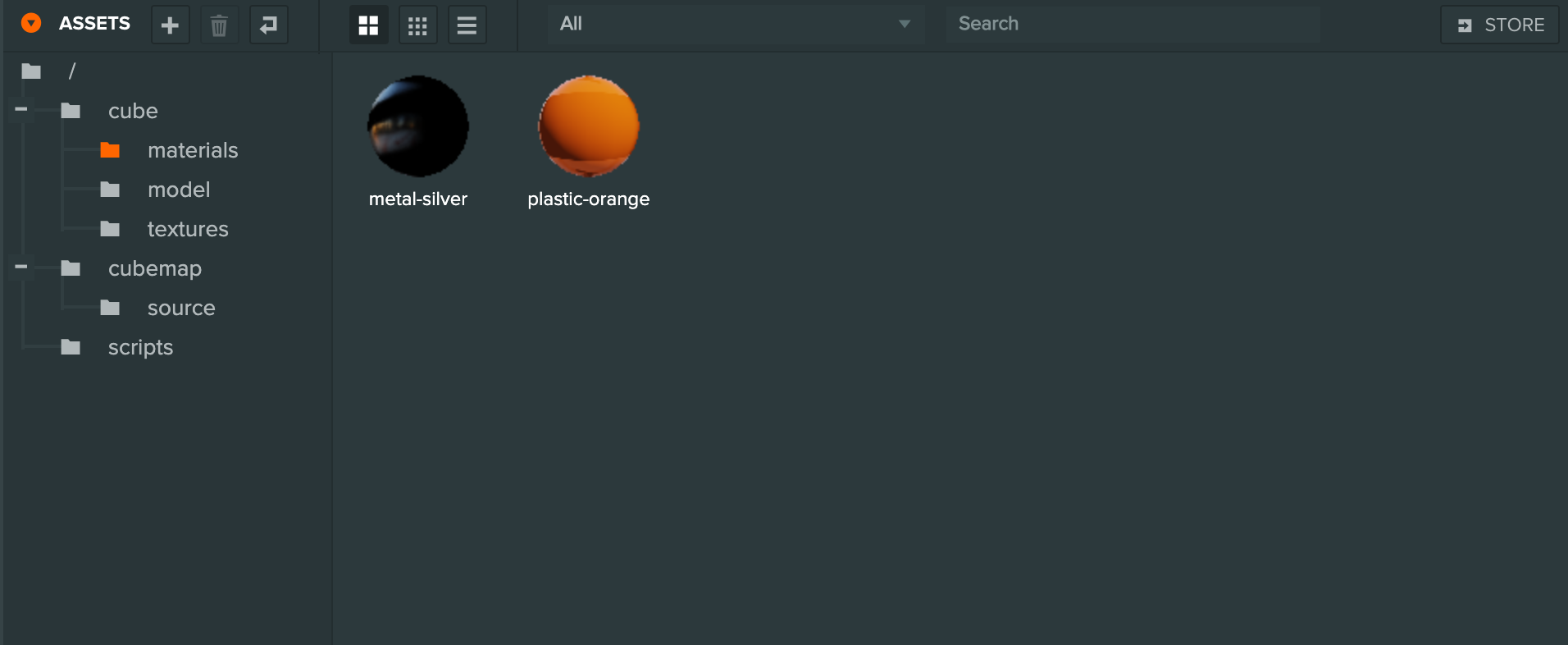
The Assets Panel provides powerful features for organizing and managing your project's assets, including:
- Folder organization - Create a hierarchy of folders to organize assets
- Search and filter - Find assets by name, ID, tags, or type
- Drag and drop - Move assets between folders or into the viewport
- Copy and paste - Share assets between projects
- Reference checking - See where assets are used in your scene
For detailed documentation on all Assets Panel features, see the Assets section.