SuperSplat Editor
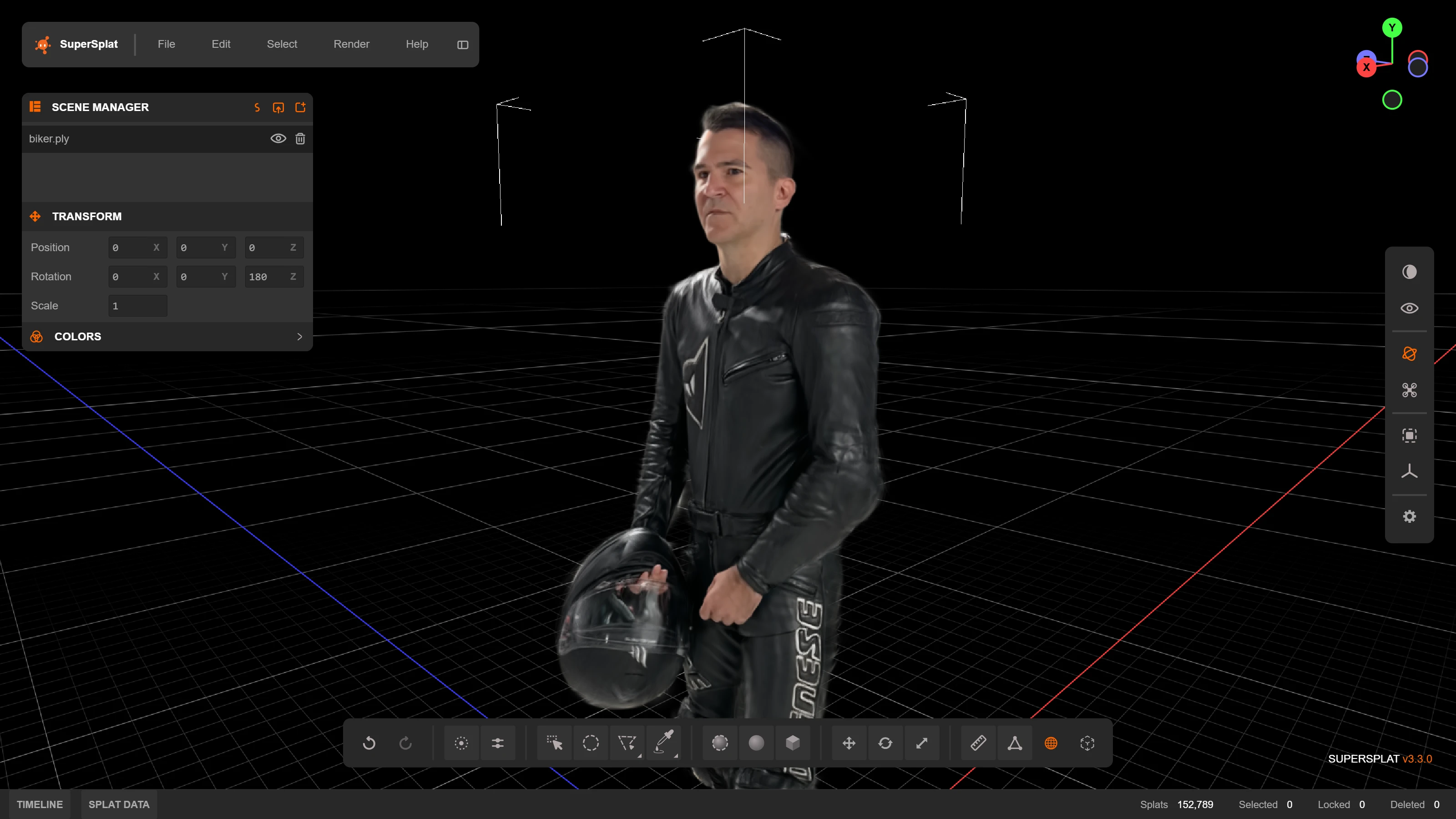
The SuperSplat Editor is the open-source, browser-based editor at the heart of the SuperSplat platform. It's the tool you use to clean up raw splat captures, trim floaters, crop scenes, retouch colors, build camera animations, and publish a finished splat ready to share. The Editor is open source on GitHub under the MIT license and runs entirely in your browser — nothing is uploaded until you choose to publish.
You can skip the Editor entirely. Hit the orange Upload Splat button on the superspl.at home page (or use the Direct Upload flow) to publish a ready-made splat straight to your Manage page.
Video Tutorials
Introduction to SuperSplat
A great way to learn the basics of the SuperSplat Editor is to watch this video introduction:
In-Depth Tutorial
For a more comprehensive guide to using the SuperSplat Editor, check out this in-depth tutorial:
Getting Started
Accessing the Editor
- Open your browser — Navigate to superspl.at/editor
- Load your splat file — Drag and drop it into the window, or use File > Import
- Begin editing — Use the interface controls to navigate and edit
System Requirements
- A WebGPU-capable browser — Current Chrome or Edge, Safari 26 or later, or Firefox with WebGPU enabled. If WebGPU is unavailable, the Editor shows a message at startup instead of loading.
- GPU acceleration — Keep hardware acceleration enabled in your browser. A dedicated GPU helps with very large splats.
- Nothing to install — Everything runs in the browser. You can optionally install the Editor as an app from the browser's address bar; it then opens
.ply,.splat,.sog,.spz,.ksplat, and.ssprojfiles directly from your file manager.
What's next?
- Get oriented with the Interface Overview
- Learn the supported Import and Export formats
- Clean a capture with Selection and Cleanup, then use Transform, Measure and Align to prepare it
- Work with multiple captures using Managing Splats, and finish their look with Color and Appearance
- Keep the Keyboard Shortcuts reference nearby, or check Troubleshooting when a workflow does not behave as expected
- Once your splat is clean, Publish it to superspl.at to land on your Manage page and open it in Studio